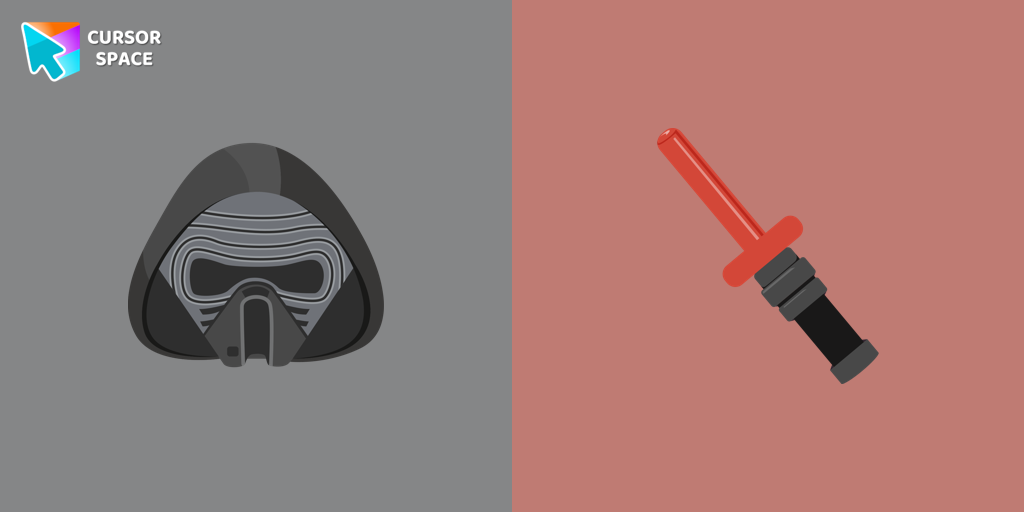
Cursor Kylo Ren Pack
Try this cursor
Preview Cursor Kylo Ren Pack in this sandbox. Hover and click - no extension needed for a test on this page. Download PNG, JPG, or CUR
Move here to see the default cursor
 DefaultMove around the board
 PointerHover a button or link
Description
Transform your cursor with our Kylo Ren cursor, featuring the intimidating and iconic character from Star Wars. Add a touch of power and darkness to your browsing experience with this custom cursor.
What's included in the package
- Default Cursor
- Pointer (Hand)
How to install a custom cursor pack Cursor Kylo Ren Pack
Install the Cursor Space extension for Chrome or Cursor Space for Edge in your browser.
On this page, click "Add this cursor pack to the extension".
Open the extension and go to the Packs tab.
Find the custom cursor pack "Kylo Ren cursor" and click it.
Enjoy!
Ready to install?
Get this cursor pack and thousands of others by installing our extension. It's fast and free!
Install for ChromePopular cursors today
Most installed packs in Star Wars cursors - add them to Chrome or Edge in one click.
- Top 1
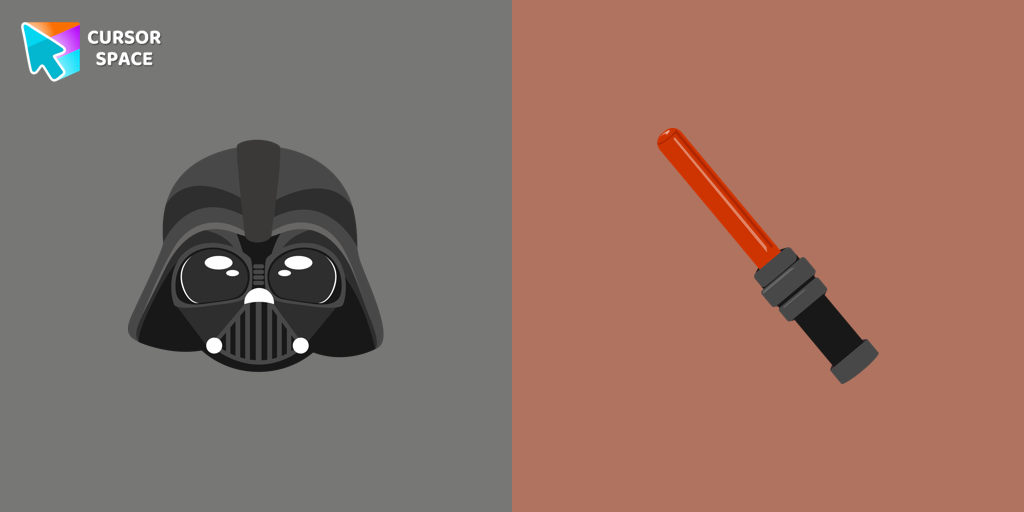 Darth Vader cursorUnleash the power of the dark side with the Darth Vader custom cursor for Google Chrome. Embrace the Sith Lord's presence and upgrade your browsing experience.
 - Top 2
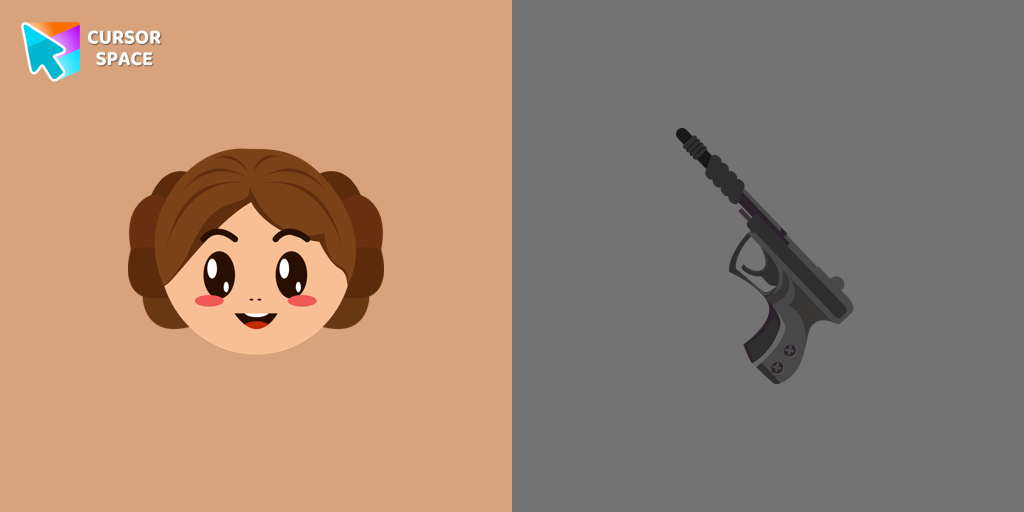 Princess Leia cursorAuthentic custom cursor with Leia Organa in a Star Wars cursors collection for Chrome browser. Leia Organa cursor item is a pretty designed set of mouse cursors with a stylish hover.
 - Top 3
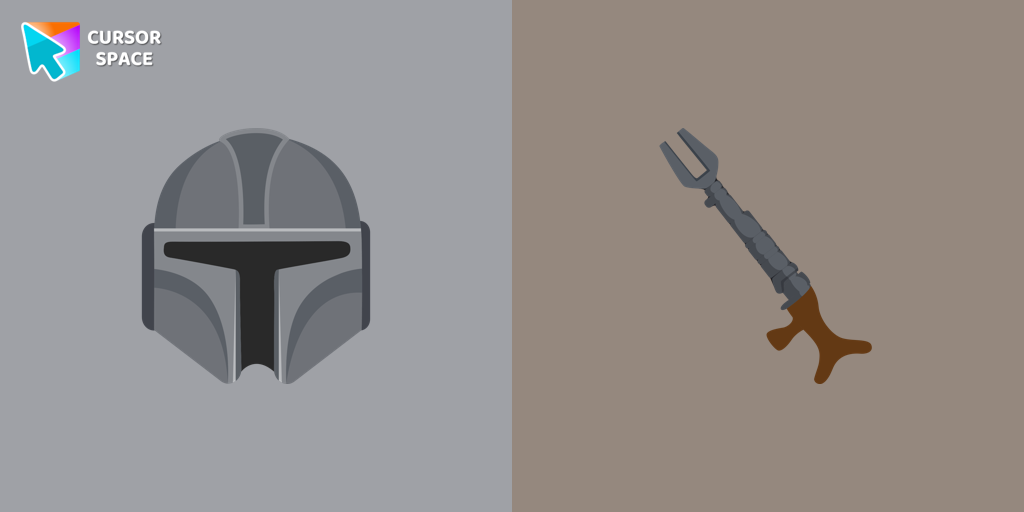 The Mandalorian cursorShow your love for The Mandalorian with our custom cursor. Enjoy the iconic bounty hunter in a custom cursor for Google Chrome, adding style to your browsing.
 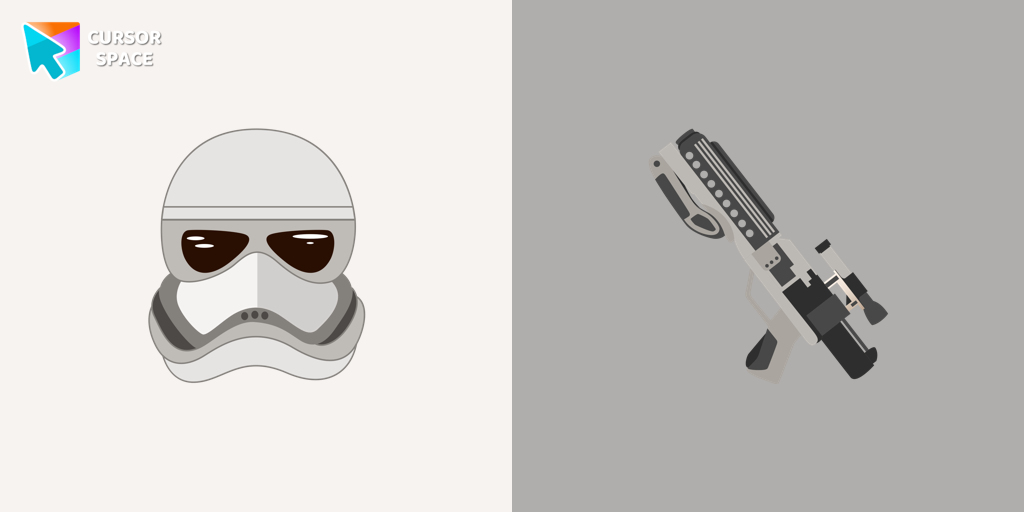 Captain Phasma cursorOur Phasma cursor for your mouse and pointer is a perfect choice if you're looking to change your regular cursor to something cute.
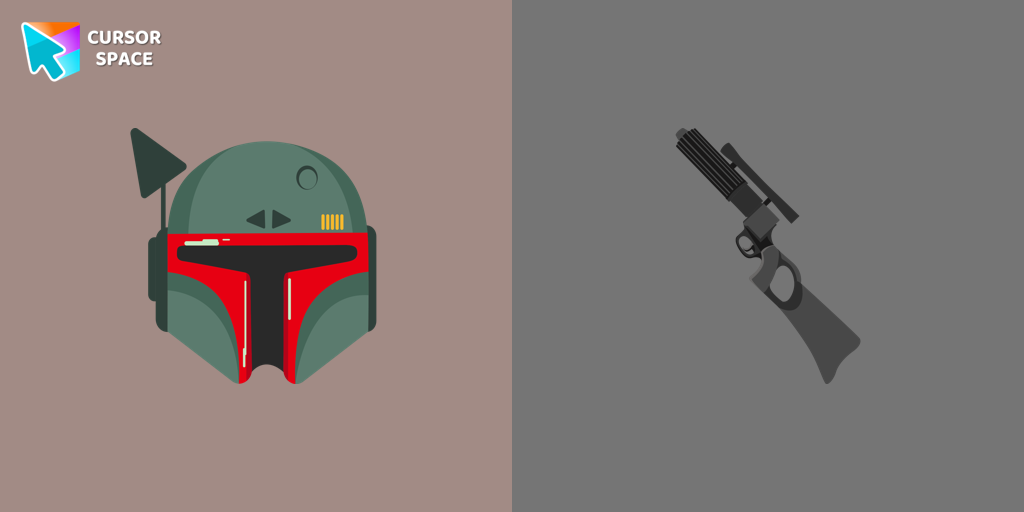 Boba Fett cursorStar Wars fans will love our custom cursor for Google Chrome. Featuring Boba Fett's weapon and hover effect, it's perfect for your browsing experience
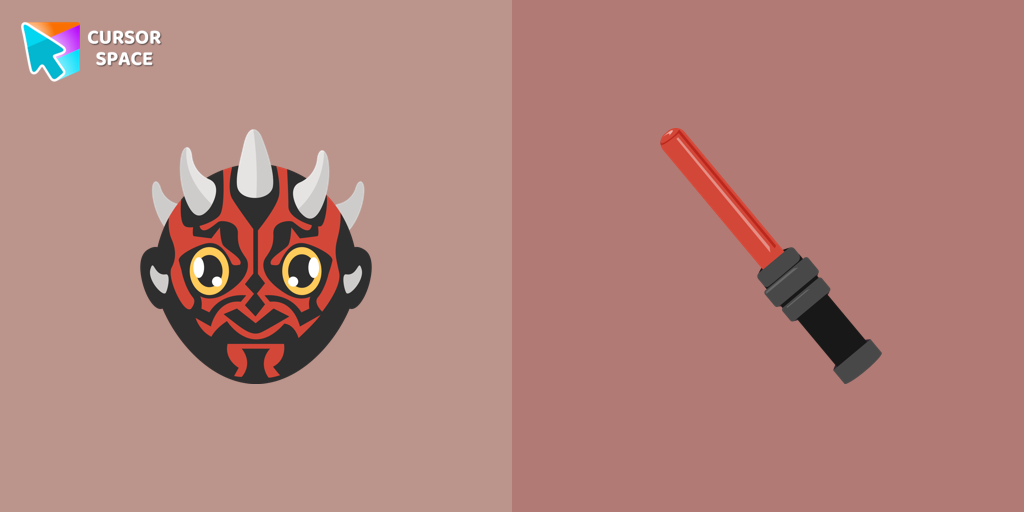 Darth Maul cursorStar Wars fans will love our well-designed Darth Maul cursor for their mouse. This custom cursor features the dark lord of the Sith himself, a male Zabrak from Dathomir.
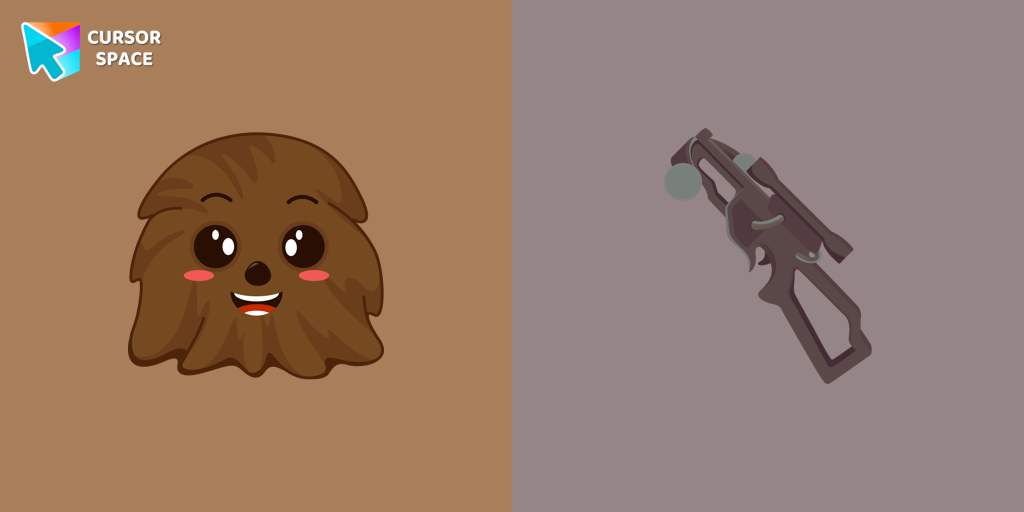 Chewbacca cursorThe Chewbacca custom cursor for Google Chrome brings the lovable Wookiee to your screen. Upgrade your browsing experience with this iconic design.
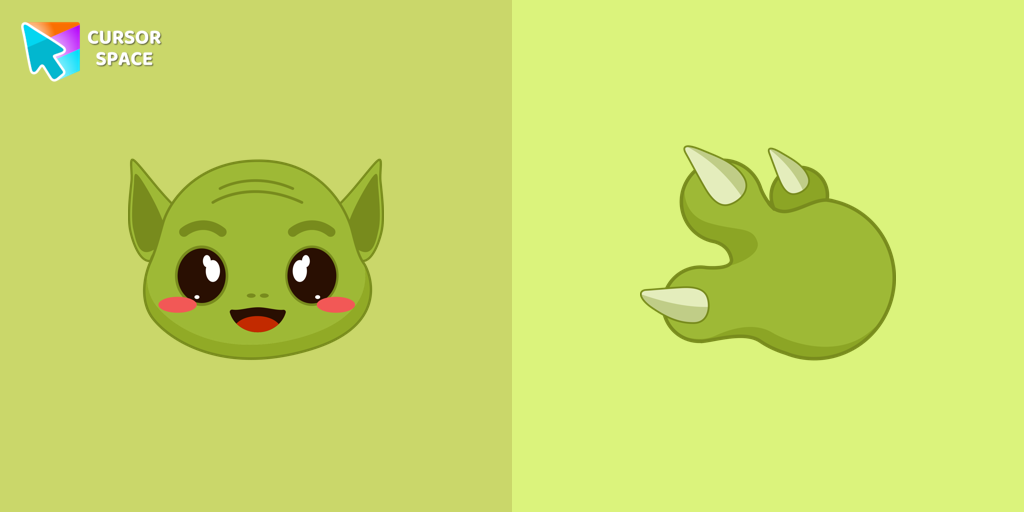 Grogu cursorOur Grogu cursor is an adorable addition to your mouse, allowing you to enjoy the cuteness of the beloved character from Star Wars as you navigate your screen.
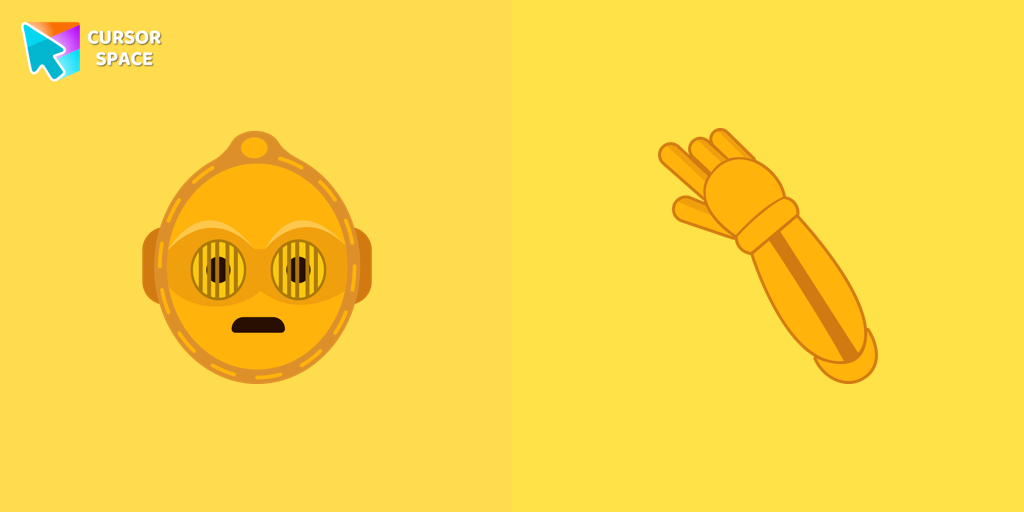 C-3PO cursorThe custom cursor for mouse and pointer from our Star Wars collection will allow you to build a warm relationship with your tab with C-3PO.
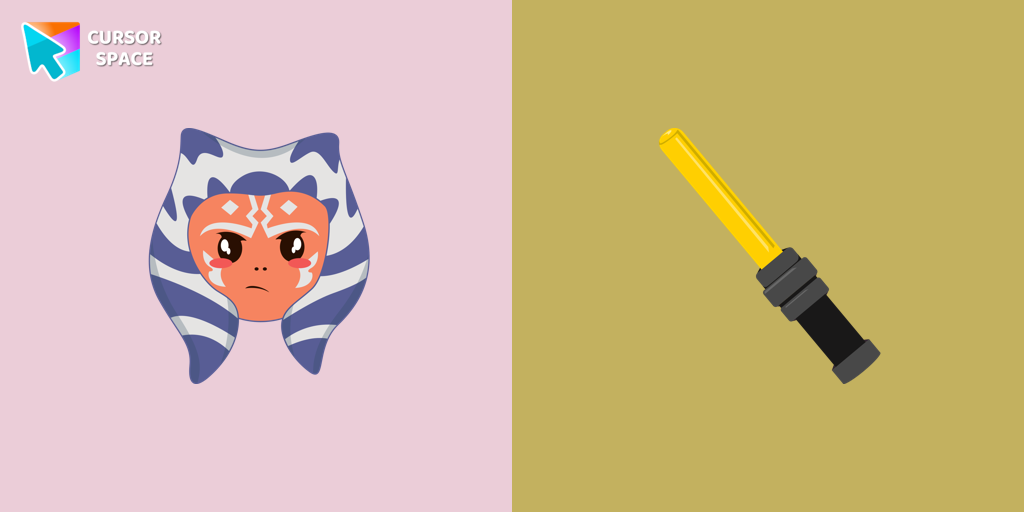 Ahsoka Tano cursorTransform your browsing with a custom cursor for Google Chrome featuring Ahsoka Tano. Add fan art style and a lightsaber hover effect to your cursor today.
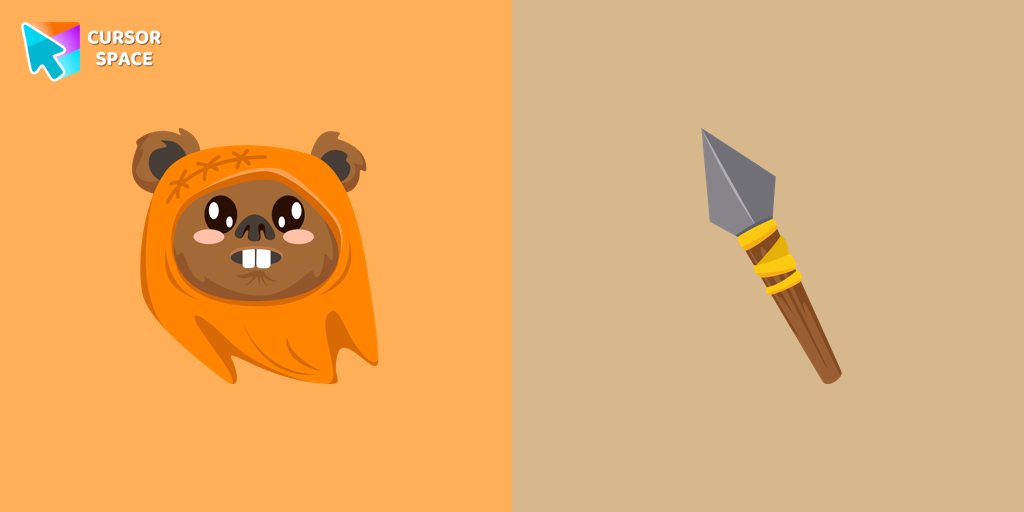 Wicket Wystri Warrick cursorCute Wicket W. Warriсk cursor and pointer in our adorable custom cursors collection with Star Wars.
Collection hits
Installation leaders from "Star Wars cursors": free packs, neon/anime/pixel art, quick add to Chrome and Edge.
- Top 1Darth Vader cursorUnleash the power of the dark side with the Darth Vader custom cursor for Google Chrome. Embrace the Sith Lord's presence and upgrade your browsing experience.
- Top 2Princess Leia cursorAuthentic custom cursor with Leia Organa in a Star Wars cursors collection for Chrome browser. Leia Organa cursor item is a pretty designed set of mouse cursors with a stylish hover.
- Top 3The Mandalorian cursorShow your love for The Mandalorian with our custom cursor. Enjoy the iconic bounty hunter in a custom cursor for Google Chrome, adding style to your browsing.
- Captain Phasma cursorOur Phasma cursor for your mouse and pointer is a perfect choice if you're looking to change your regular cursor to something cute.
- Boba Fett cursorStar Wars fans will love our custom cursor for Google Chrome. Featuring Boba Fett's weapon and hover effect, it's perfect for your browsing experience
- Darth Maul cursorStar Wars fans will love our well-designed Darth Maul cursor for their mouse. This custom cursor features the dark lord of the Sith himself, a male Zabrak from Dathomir.
- Chewbacca cursorThe Chewbacca custom cursor for Google Chrome brings the lovable Wookiee to your screen. Upgrade your browsing experience with this iconic design.
- Grogu cursorOur Grogu cursor is an adorable addition to your mouse, allowing you to enjoy the cuteness of the beloved character from Star Wars as you navigate your screen.
- C-3PO cursorThe custom cursor for mouse and pointer from our Star Wars collection will allow you to build a warm relationship with your tab with C-3PO.
- Ahsoka Tano cursorTransform your browsing with a custom cursor for Google Chrome featuring Ahsoka Tano. Add fan art style and a lightsaber hover effect to your cursor today.
- Wicket Wystri Warrick cursorCute Wicket W. Warriсk cursor and pointer in our adorable custom cursors collection with Star Wars.
Install Cursor Space - A Collection of Custom Cursors for Chrome & Edge
Add packs instantly and unlock access to thousands of cursors: neon, anime, pixel-art, and more. Fast, safe, and free.
- Free cursor packs
- HD/HiDPI & animated icons
- Quick browser installation
Cursor Space is an extension for changing your mouse cursor in Chrome and Edge browsers: themed collections, HiDPI icons, neon, animated, and pixel cursors, with quick installation.